Discover competitor AI apps. Build your own.
Compare Claude connectors and ChatGPT apps. Fast evaluation. Smarter decisions. Custom builds.
 Daily Updated
How you can use MCP App Store
Semantic Search
Find tools by intent, not keywords.
Describe what you're looking for in natural language, just as you would ask ChatGPT or Claude.
AI understands the meaning behind your request and surfaces the most relevant MCP Apps, ChatGPT Apps, and Claude Connectors.


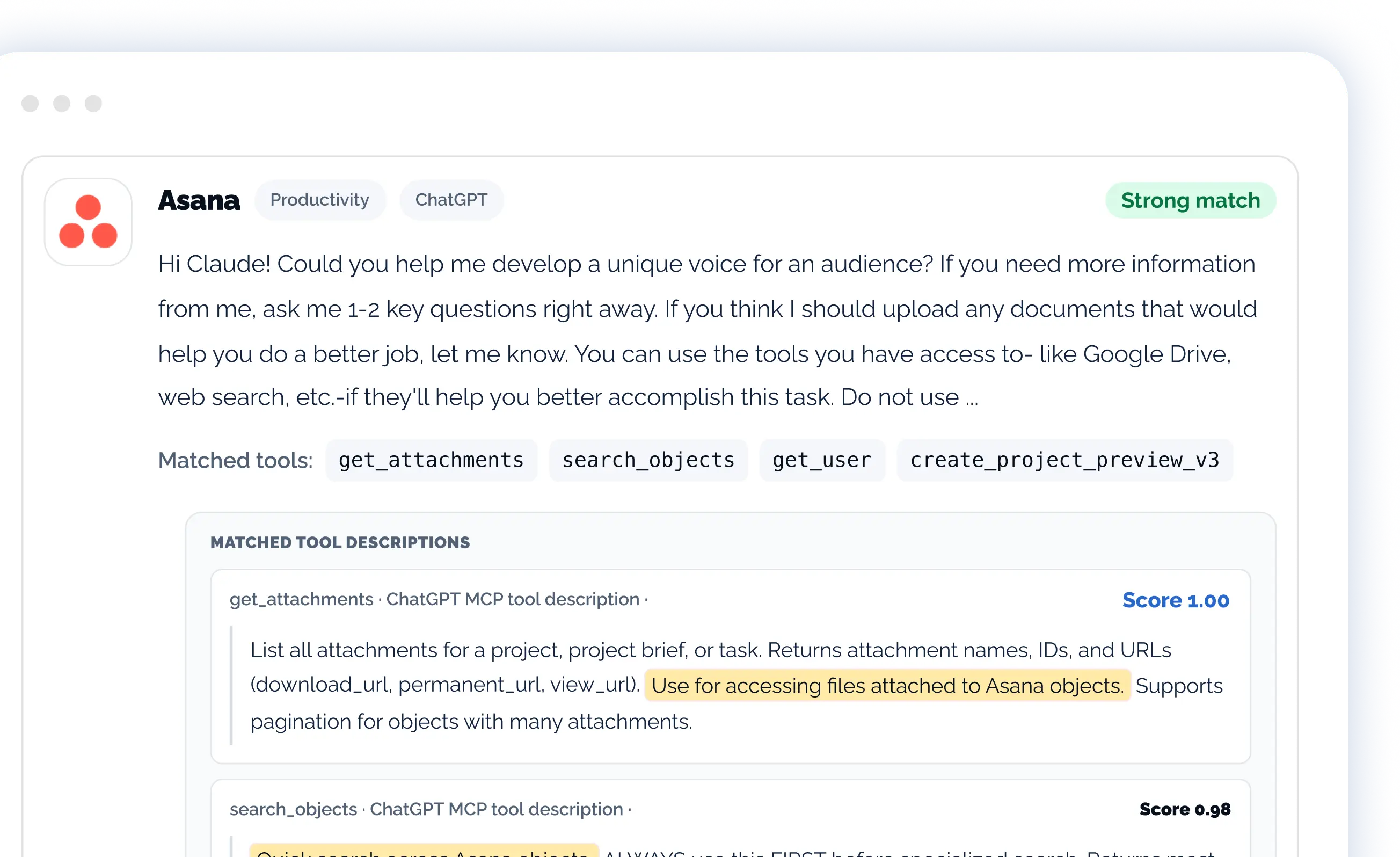
AI Match Scoring
Understand why each result matches.
Every recommendation includes an AI-generated relevance score and explanation, making it easy to compare tools and evaluate their fit.
Spend less time reviewing search results and more time selecting the right solution.
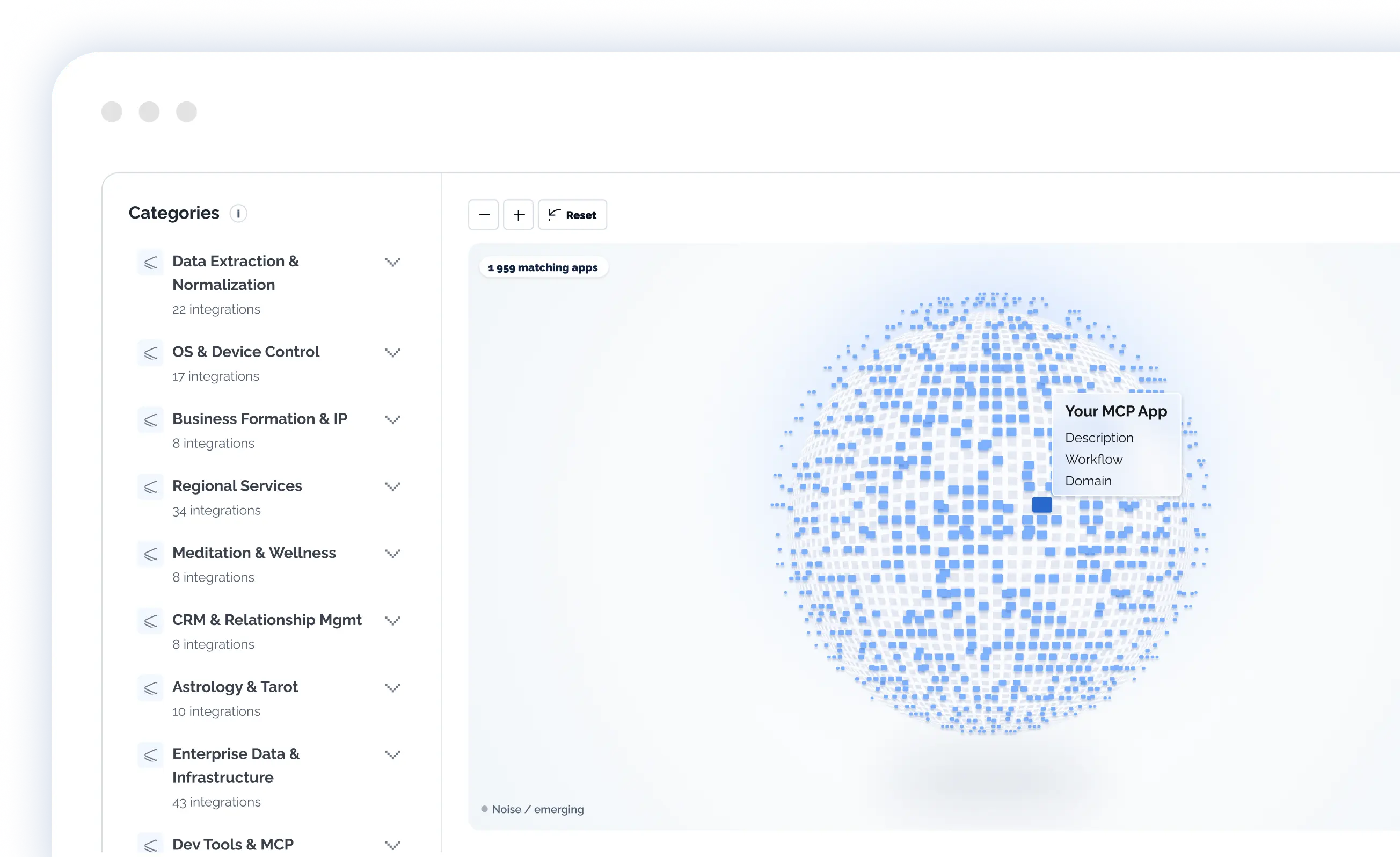
Category Explorer
Explore the AI ecosystem visually.
Navigate semantic clusters to discover related tools, uncover emerging categories, and identify market opportunities beyond traditional search.
See how apps connect across capabilities, industries, and use cases.
6 featured MCP apps
Browse all 12,721 apps


Cloudflare
By Cloudflare, Inc.
Enables users to build applications on Cloudflare Workers using built-in storage, AI, and compute primitives. Deploy code to production, create and query databases, manage KV stores, and more.


Zapier
By Zapier
Search knowledge across your apps and execute real-world actions by connecting Claude with the 9,000 apps on Zapier. Run workflows like sending emails, updating CRMs, scheduling meetings, and more, all within Claude.

Make A Viz
By Chirag Shetty
Make A Viz app in ChatGPT lets you create and edit visual diagrams—flowcharts, sequence diagrams, and mind maps—directly inside ChatGPT. Diagrams are generated instantly within ChatGPT, with no external tools or tabs required. You can ask for things like “create a flowchart for our sales approval process” or “build a sequence diagram for user authentication,” and see the diagram rendered inline. Diagrams are fully editable through conversation and a visual editor. You can refine them by sending instructions such as “add an error-handling branch” or by directly adjusting nodes and connections. All diagrams are saved automatically and remain accessible inside ChatGPT. You can retrieve and continue editing them later by asking “list my diagrams” or “show the onboarding flow I created.”

Clarity AI
By Clarity AI
Screen companies and portfolios against investment mandates to assess compliance. Access mandates created in the Clarity AI web app, then run compliance reports to identify breaches. Drill into individual companies for detailed evidence across a range of extra financial metrics. Discover investment universe companies that meet your criteria, and get concise breach summaries across your portfolios, all powered by Clarity AI's data.

Airtable
By Airtable
Bring operational data and context into the flow of your ChatGPT conversations. You can ask questions, create and update records, and analyze your data—all through conversation. Use the data in Airtable as input to the work you’re doing in ChatGPT, like building a landing page using content you’ve organized in Airtable. Make quick updates to Airtable without leaving the chat. Airtable for ChatGPT is ideal anytime you need quick access to structured internal data to inform your conversation. Airtable's App connects ChatGPT directly to your Airtable bases, so you can ask questions, create and update records, and analyze your data—all through conversation

GitHub
By GitHub
How to use: After connecting your GitHub account, interact naturally with your repositories. Try prompts like "Create an issue for the login bug in my-app repo", "Review the latest PR on my project", "Show me failed GitHub Actions runs", "Search for repositories about machine learning", or "List open issues assigned to me". The plugin handles authentication and API calls automatically.
From market insights to production-ready MCP app
Validate your idea using real market data, then choose the right package to build and launch it with our team.