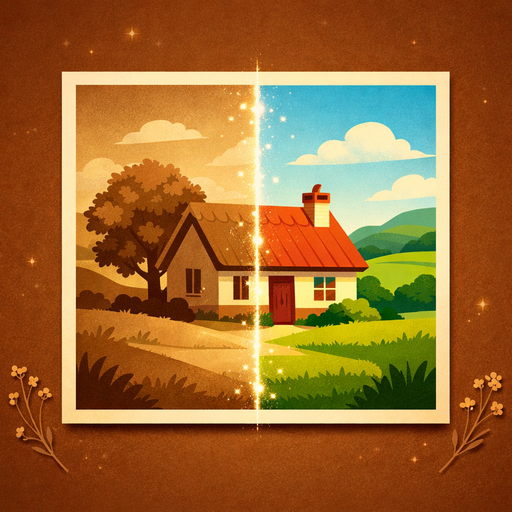
Colorize Photos MCP Server for ChatGPT
By MegaScenes
Overview
Pick a black and white photo from your MegaScenes library, a scan or a photo of the print, and add any colors you know: her dress was light blue, the car was red, the leaves were autumn gold. You get the same photo in natural color, with the same composition, people, faces and background. ChatGPT lists your recent photos, tells you what the colorized photo needs and makes it in your MegaScenes account when you ask. The photo opens in the chat and stays in your library next to the original. For family albums, old portraits of your grandparents, wedding photos from decades ago and pictures of the places you come from. Limitations: the colors are a plausible interpretation, not the real ones of the day. Only your own or your family's photos that you have the right to edit, never a famous person. One photo per run, already in your MegaScenes library; attachments from the chat are not passed to the plugin. Making a file needs a signed-in MegaScenes account and runs in it; nothing is made until you confirm. Not for sexual or adult content. Files are made by generative models and saved in your MegaScenes library.
How to connect
- ChatGPT: Open the Colorize Photos listing in the ChatGPT app directory and choose Connect. ChatGPT listing Colorize Photos exposes 6 tools here.
Tools
estimate_colorized_photo_cost
ChatGPTget_account
ChatGPTget_colorized_photo
ChatGPTlist_colorized_photo_models
ChatGPTlist_my_images
ChatGPTCapabilities
Example Prompts
Click any prompt to copy it.
Links
Similar Apps
Listed on MCP App Store
Add this badge to your site or README. It links to this page.
HTML
<a href="https://mcp-app-store.keenethics-labs.com/app/colorize-photos"><img src="https://mcp-app-store.keenethics-labs.com/badges/listed-on-mcp-app-store.svg" alt="Listed on MCP App Store" width="220" height="44"></a>
Markdown
[](https://mcp-app-store.keenethics-labs.com/app/colorize-photos)