MCP App Store
by KeenEthics
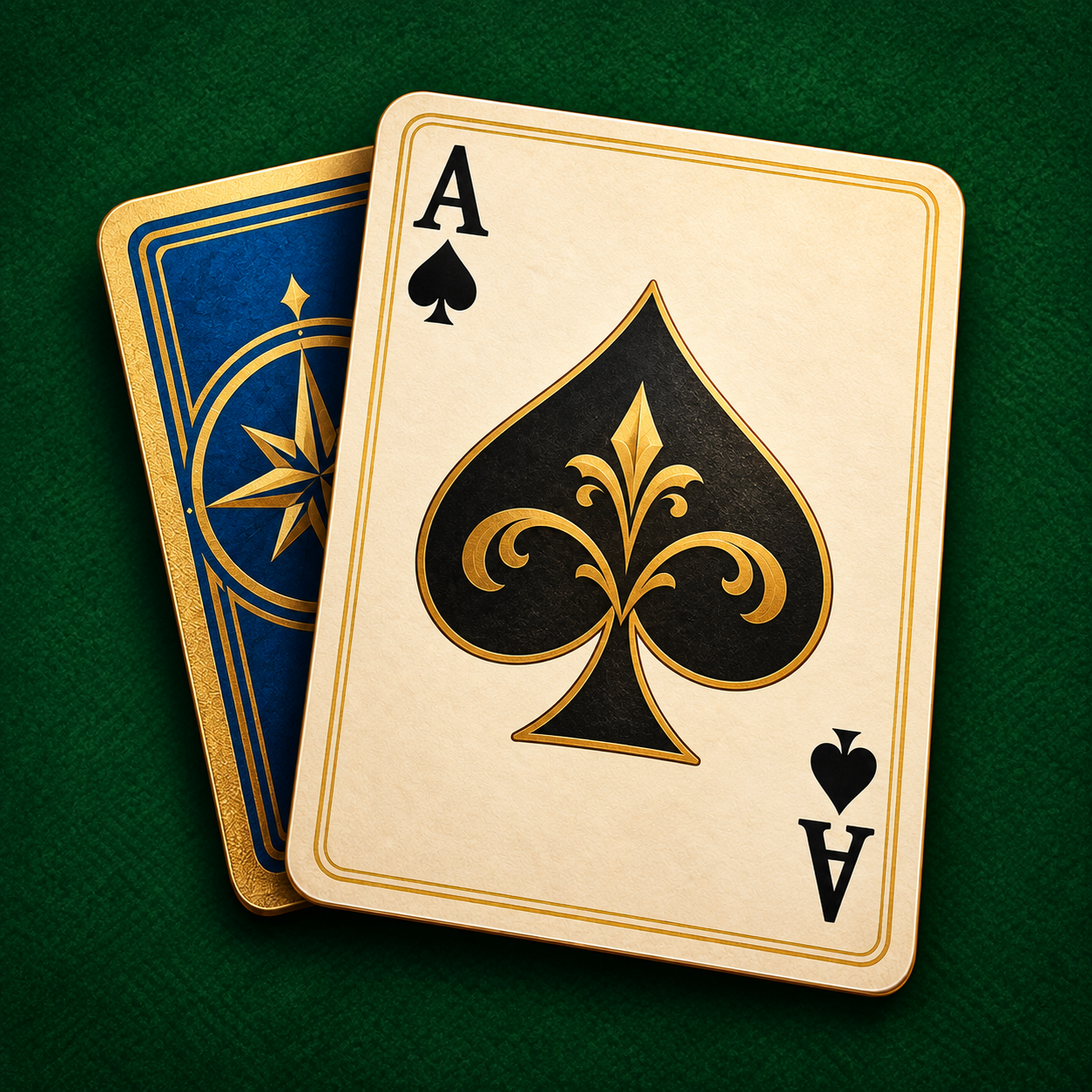
Solitaire Tavern icon

Solitaire Tavern MCP Server for ChatGPT

By adrianmato.com

Overview

Step into a candlelit tavern and make time for a little play. Enjoy classic solitaire, discover your favorite theme, and turn a quiet moment into a small victory.

How to connect

  1. ChatGPT: Open the Solitaire Tavern listing in the ChatGPT app directory and choose Connect. ChatGPT listing Solitaire Tavern exposes 3 tools here.

Tools

get_solitaire_rules

ChatGPT
Explain the Klondike rules and controls used by Solitaire Tavern. Does not read the player’s hand or make moves.

play_solitaire

ChatGPT
Open the interactive Solitaire Tavern game when the user wants to play Klondike solitaire. Resumes the hand saved in this browser when available. This launcher does not reset a hand or make card moves. The player uses the game controls to play, start a new hand, or change themes. Without interactive UI support, return the game URL.

read_game_asset

ChatGPT
Load one immutable compressed Solitaire Tavern game chunk for the game view. Only known game asset hashes are accepted. Does not read saves or user files.

Capabilities

Interactive

Example Prompts

Click any prompt to copy it.

Similar Apps

Listed on MCP App Store

Listed on MCP App Store

Add this badge to your site or README. It links to this page.

HTML

<a href="https://mcp-app-store.keenethics-labs.com/app/solitaire-tavern"><img src="https://mcp-app-store.keenethics-labs.com/badges/listed-on-mcp-app-store.svg" alt="Listed on MCP App Store" width="220" height="44"></a>

Markdown

[![Listed on MCP App Store](https://mcp-app-store.keenethics-labs.com/badges/listed-on-mcp-app-store.svg)](https://mcp-app-store.keenethics-labs.com/app/solitaire-tavern)