MCP App Store
by KeenEthics
Sticker Studio icon

Sticker Studio MCP Server for ChatGPT

By Imagineers Studio Inc

Overview

Create sticker artwork from a creative brief and an optional attached reference. Open the workspace beside chat, compare results and download images. AI output may change fine details; inspect likeness, lettering and edges before use. A connected Firemoon account is required.

How to connect

  1. ChatGPT: Open the Sticker Studio listing in the ChatGPT app directory and choose Connect. ChatGPT listing Sticker Studio exposes 3 tools here.

Tools

sticker_studio_generate

ChatGPT
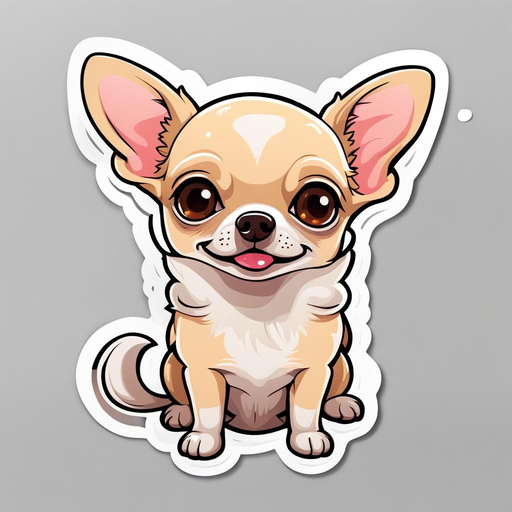
Create one bold sticker illustration with a white die-cut outline, plain background and simple silhouette. This is artwork, not a guaranteed transparent image or printable cut path. Sends optional reference media to Firemoon and its processor and creates link-accessible saved output. Waits for completion and displays the actual image in an inline result card. Do not open the workspace for this tool. Never automatically retry uncertain generation.


sticker_studio_open

ChatGPT
Open the studio workspace beside chat or from the sidebar. Pass the actual supplied reference image when available to prefill the photo field. Does not generate media.

sticker_studio_preview

ChatGPT
Reopen existing artwork by its actual saved generation_id or actual returned image_url. Does not generate or retry artwork.

Capabilities

InteractiveWrites

Example Prompts

Click any prompt to copy it.

Similar Apps

Listed on MCP App Store

Listed on MCP App Store

Add this badge to your site or README. It links to this page.

HTML

<a href="https://mcp-app-store.keenethics-labs.com/app/sticker-studio"><img src="https://mcp-app-store.keenethics-labs.com/badges/listed-on-mcp-app-store.svg" alt="Listed on MCP App Store" width="220" height="44"></a>

Markdown

[![Listed on MCP App Store](https://mcp-app-store.keenethics-labs.com/badges/listed-on-mcp-app-store.svg)](https://mcp-app-store.keenethics-labs.com/app/sticker-studio)