MCP App Store
by KeenEthics
Topview 3D Builder icon

Topview 3D Builder MCP Server for ChatGPT

By Topview

Overview

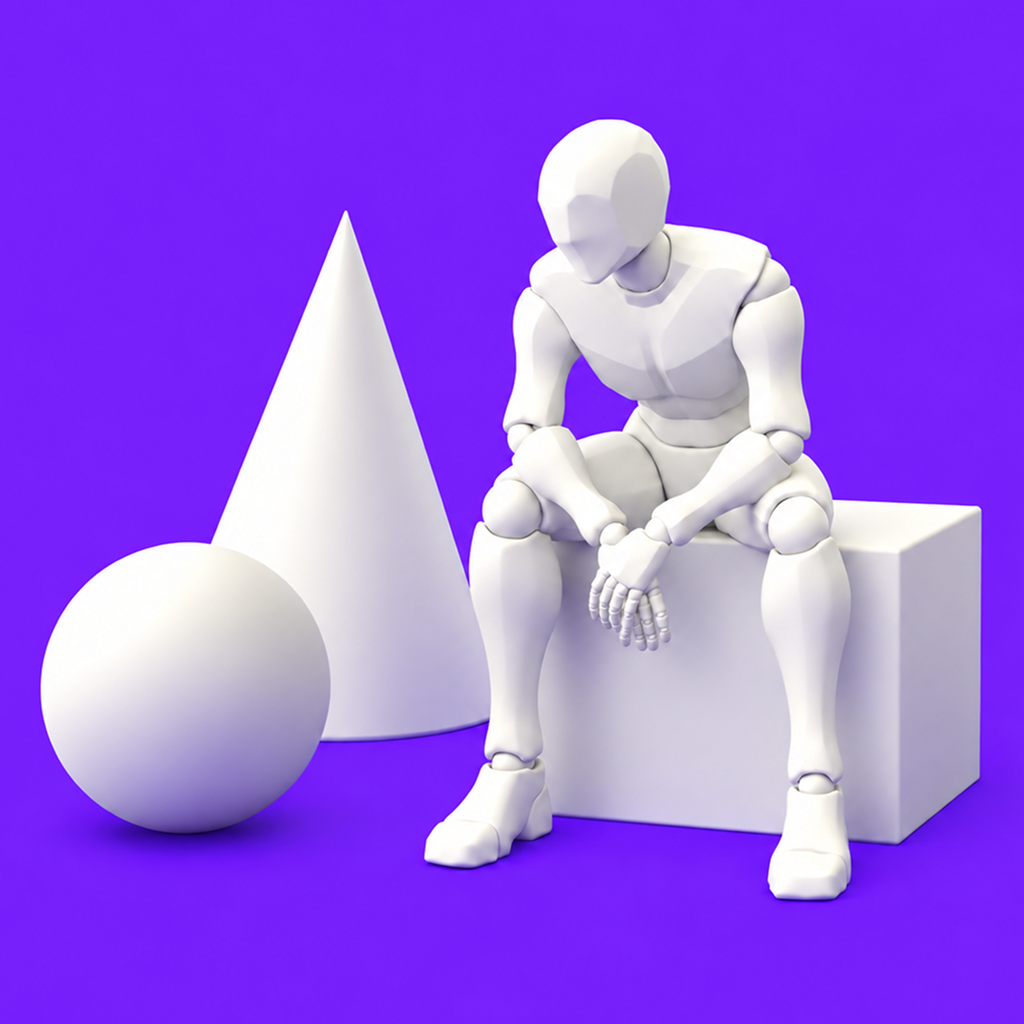
Topview 3D Builder turns scene descriptions into 3D director scenes you can check and render locally. The topview-3d-cli command keeps each project in a folder on your machine, places characters, poses, props and primitives from a built-in offline asset library, sets up cameras and keyframes, checks layout and camera coverage, and renders frames and contact sheets with a local browser. Building and rendering stay on your machine. From the local Studio you can also send a finished render to a Topview Canvas.

How to connect

  1. ChatGPT: Open the Topview 3D Builder listing in the ChatGPT app directory and choose Connect. ChatGPT listing Topview 3D Builder exposes 6 tools here.

Tools

create_topview_canvas

ChatGPT
Create one new Canvas project in the authenticated user's private workspace. Not read-only: persists a new project. Non-destructive: adds a project without replacing or deleting existing data. Closed-world: writes only to the authorized Topview workspace. Does not submit generation or spend generation credits.


create_topview_canvas_media_node

ChatGPT
Add one image, video or audio reference node to an authorized Canvas using a durable HTTPS URL or S3 object key. For a local render, use prepare_topview_canvas_media_upload, complete the PUT, and pass its objectKey. Not read-only: persists a new media node. Non-destructive: adds a node without replacing or deleting existing nodes. Open-world: media, poster and thumbnail references may identify arbitrary external HTTPS resources. Does not submit generation or spend generation credits.

get_topview_canvas_state

ChatGPT
Read sanitized node summaries, geometry, hierarchy and layer order from an authorized Canvas. Optional fields, nodeIds and types filter the result; omit them for the full supported state. Read-only and non-destructive: observes stored Canvas data without modifying nodes or starting jobs. Closed-world: only the authenticated user's accessible Canvas is read; referenced URLs are not fetched by this tool.

list_topview_canvases

ChatGPT
List Canvas projects accessible to the authenticated user's private workspace. Read-only: retrieves project summaries without changing projects or starting jobs. Non-destructive: no content is changed. Closed-world: only authorized Topview projects are queried.

prepare_topview_canvas_media_upload

ChatGPT
Prepare one local JPG/JPEG/PNG, MP4/MOV/WebM, or MP3/WAV/M4A file for an authorized Canvas. PUT the file to uploadUrl with requiredHeaders, verify HTTP 2xx, then pass objectKey and mimeType to create_topview_canvas_media_node. Never persist or share uploadUrl. Not read-only: issues temporary write authorization for a new upload. Non-destructive: prepares a new upload without overwriting existing Canvas nodes. Closed-world: destination is Topview-managed storage, not a caller-selected upload destination.

Capabilities

Writes

Example Prompts

Click any prompt to copy it.

Similar Apps

Listed on MCP App Store

Listed on MCP App Store

Add this badge to your site or README. It links to this page.

HTML

<a href="https://mcp-app-store.keenethics-labs.com/app/topview-3d-builder"><img src="https://mcp-app-store.keenethics-labs.com/badges/listed-on-mcp-app-store.svg" alt="Listed on MCP App Store" width="220" height="44"></a>

Markdown

[![Listed on MCP App Store](https://mcp-app-store.keenethics-labs.com/badges/listed-on-mcp-app-store.svg)](https://mcp-app-store.keenethics-labs.com/app/topview-3d-builder)