MCP App Store
by KeenEthics
Requirements Extractor icon

Requirements Extractor MCP Server for ChatGPT

By Beike Yan

Overview

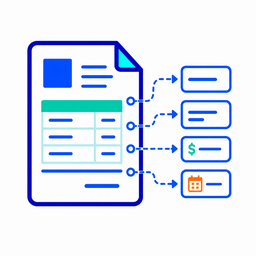
Requirements Extractor is a read-only utility that helps organize raw project requirement text into structured JSON for Codex and Agent project preparation. It extracts explicitly stated functional requirements, constraints, acceptance criteria, missing fields, source text, and structured errors from user-provided requirement text. The app only extracts information that is clearly present in the input. It does not infer missing requirements, make product decisions, provide advice, write code, submit forms, store data, authenticate users, or process support tickets.

How to connect

  1. ChatGPT: Open the Requirements Extractor listing in the ChatGPT app directory and choose Connect. ChatGPT listing

Tools

extract_requirements

ChatGPT
Extract explicitly stated project requirements from provided requirement text. Use this tool only when the user provides concrete requirement text, a project brief, feature notes, or implementation notes and asks to extract, organize, or structure the stated requirements. Do not use this tool for advice, build-or-not-build decisions, brainstorming, product strategy, implementation planning, code generation, support ticket handling, authentication, data submission, or storage. If the input is not requirement text, return an out_of_scope structured error.

Example Prompts

Click any prompt to copy it.

Similar Apps

Listed on MCP App Store

Listed on MCP App Store

Add this badge to your site or README. It links to this page.

HTML

<a href="https://mcp-app-store.keenethics-labs.com/app/requirements-extractor"><img src="https://mcp-app-store.keenethics-labs.com/badges/listed-on-mcp-app-store.svg" alt="Listed on MCP App Store" width="220" height="44"></a>

Markdown

[![Listed on MCP App Store](https://mcp-app-store.keenethics-labs.com/badges/listed-on-mcp-app-store.svg)](https://mcp-app-store.keenethics-labs.com/app/requirements-extractor)